
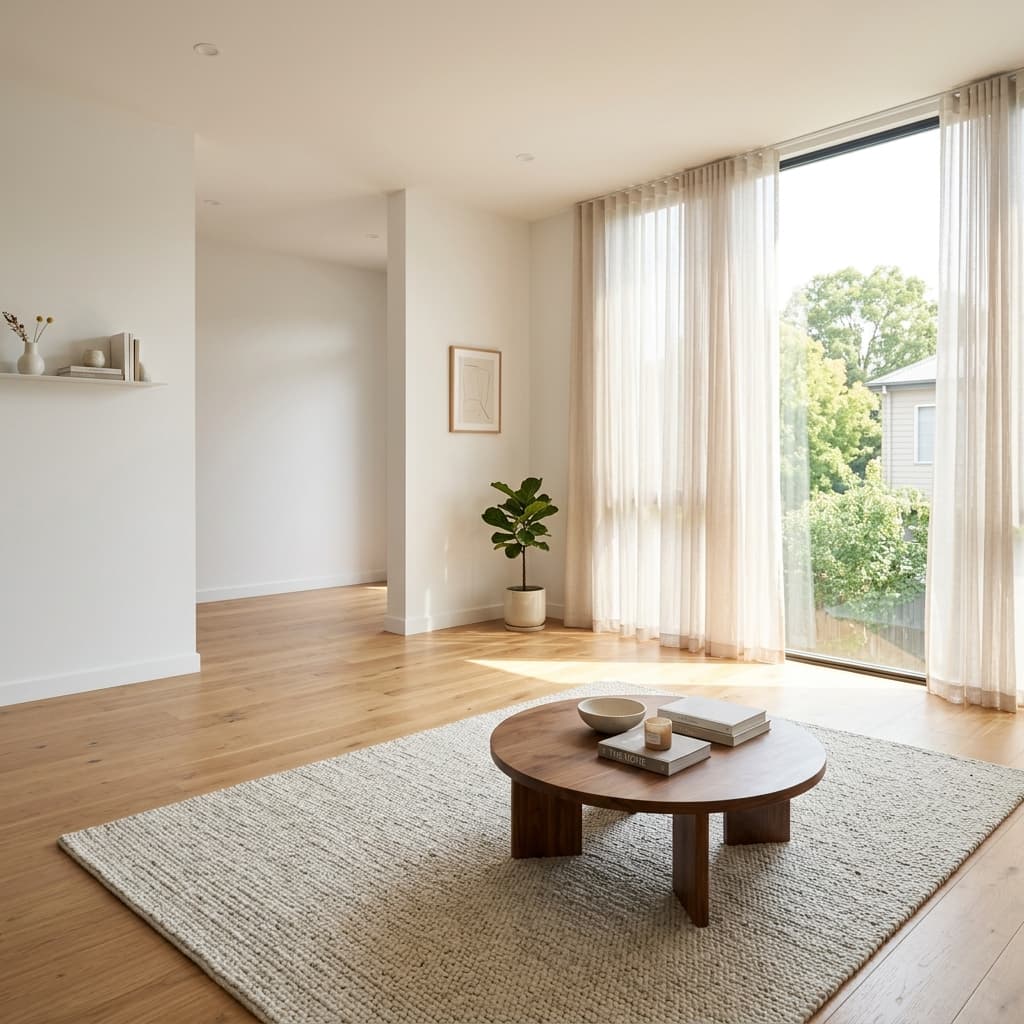
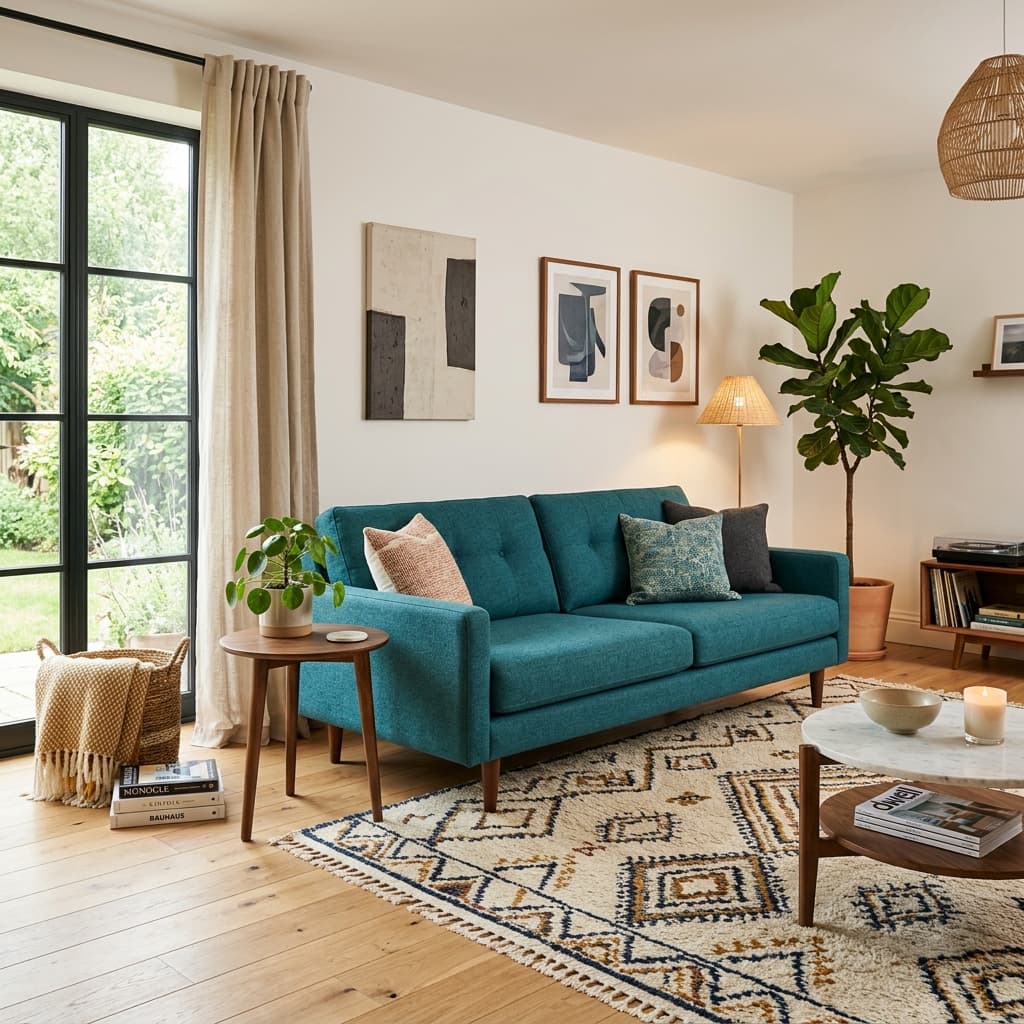
A precise model for home decisions.
SimulaFly is designed to support high-consideration home purchases by reducing uncertainty before buying. Tap scan and watch your space transform.
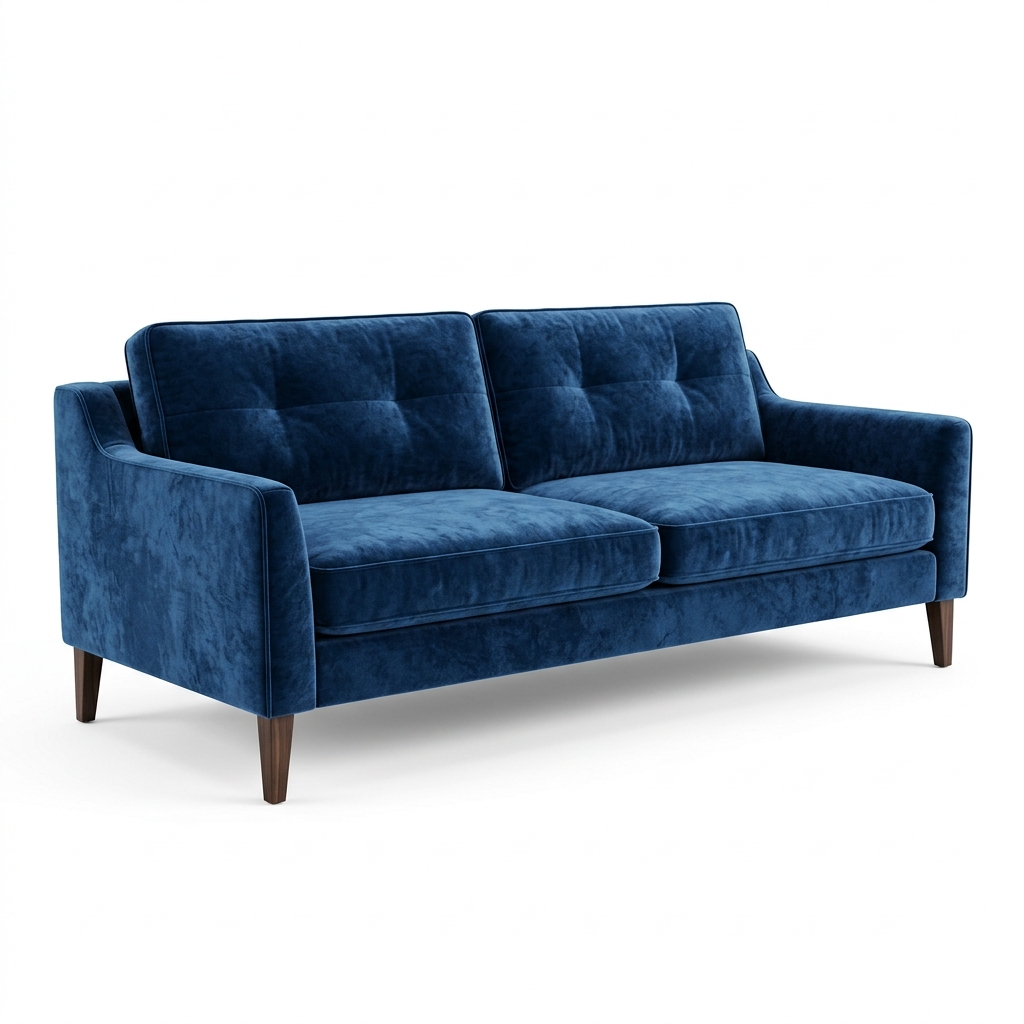

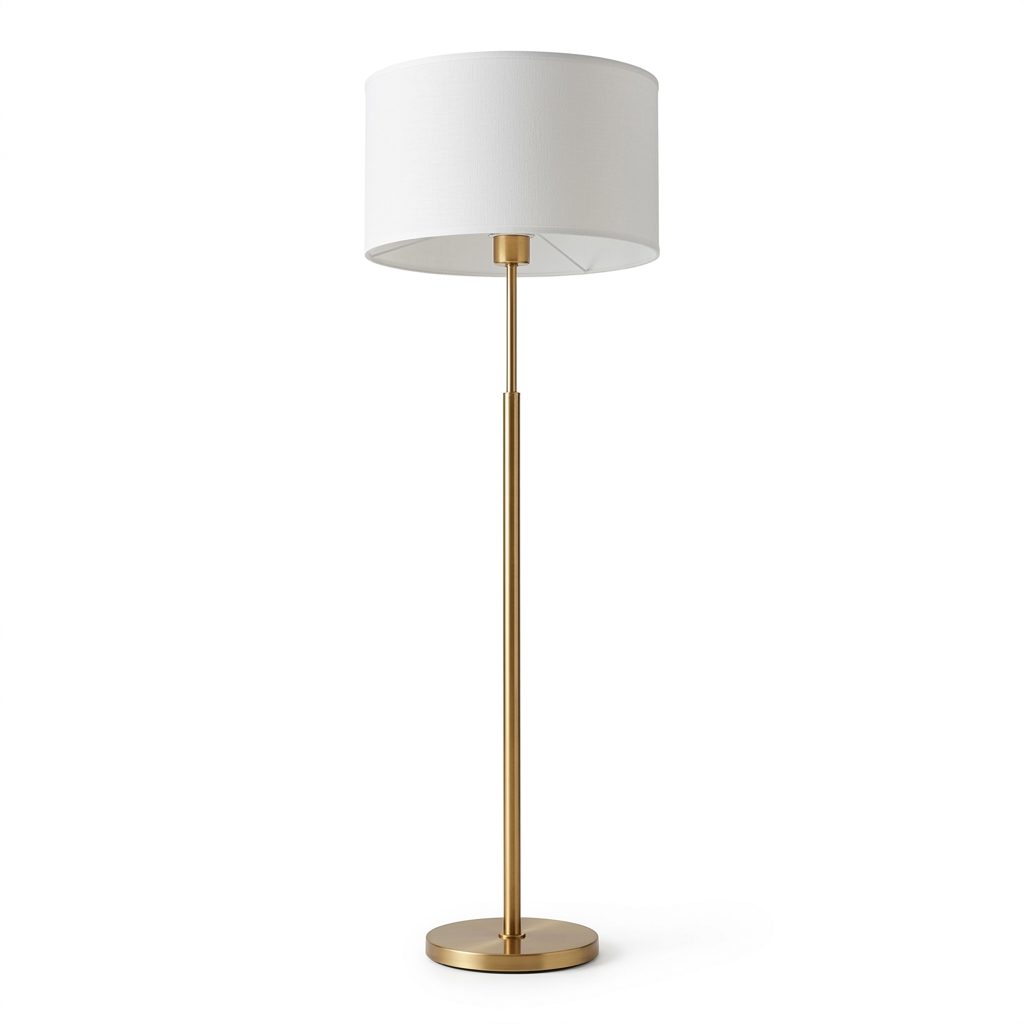
Room mapped! Warm afternoon light from the left bay window detected. 🌤
I've matched pieces that fit your geometric bounds. Generating matches seamlessly.
The teal palette harmonizes with your floor tone. Review the generated floating catalogs.
Shop by Goal
Start with what you want to achieve.
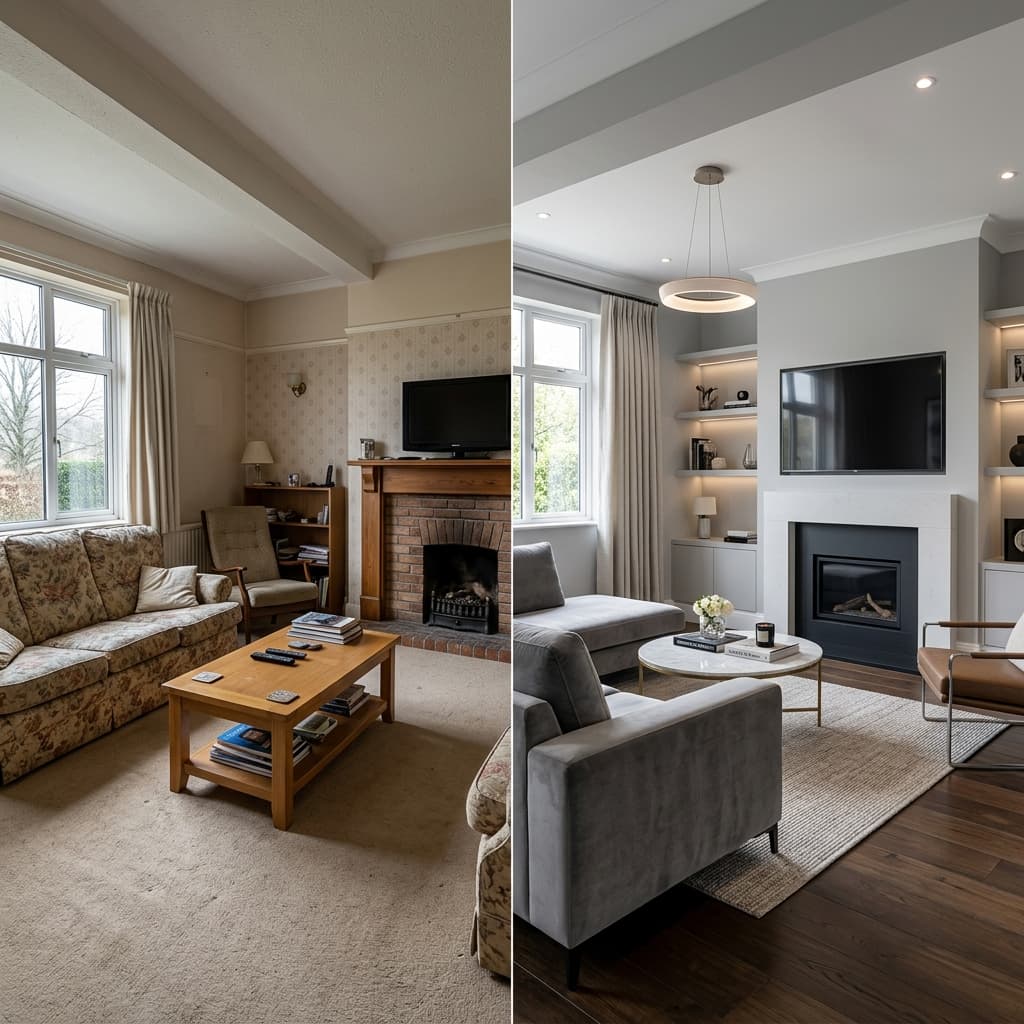
Refresh my living room
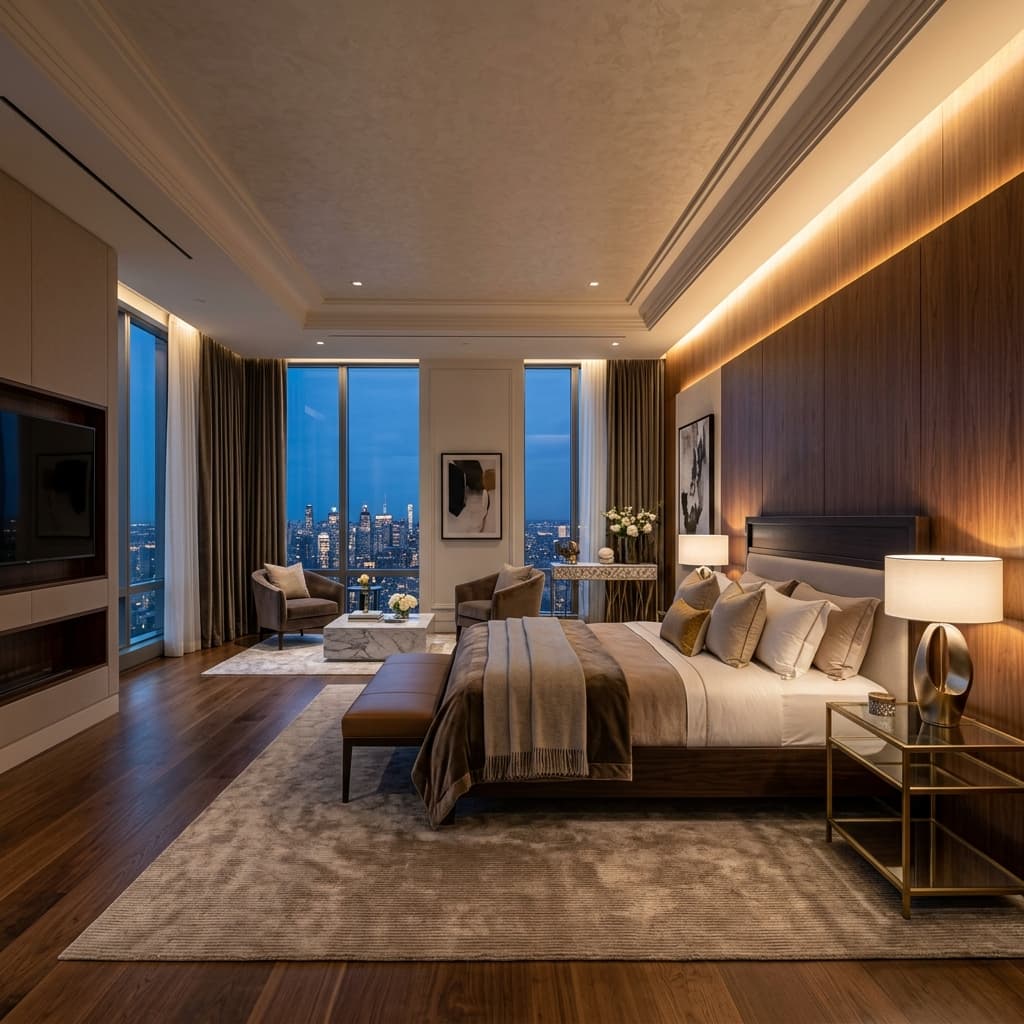
Redesign my bedroom

Upgrade my workspace
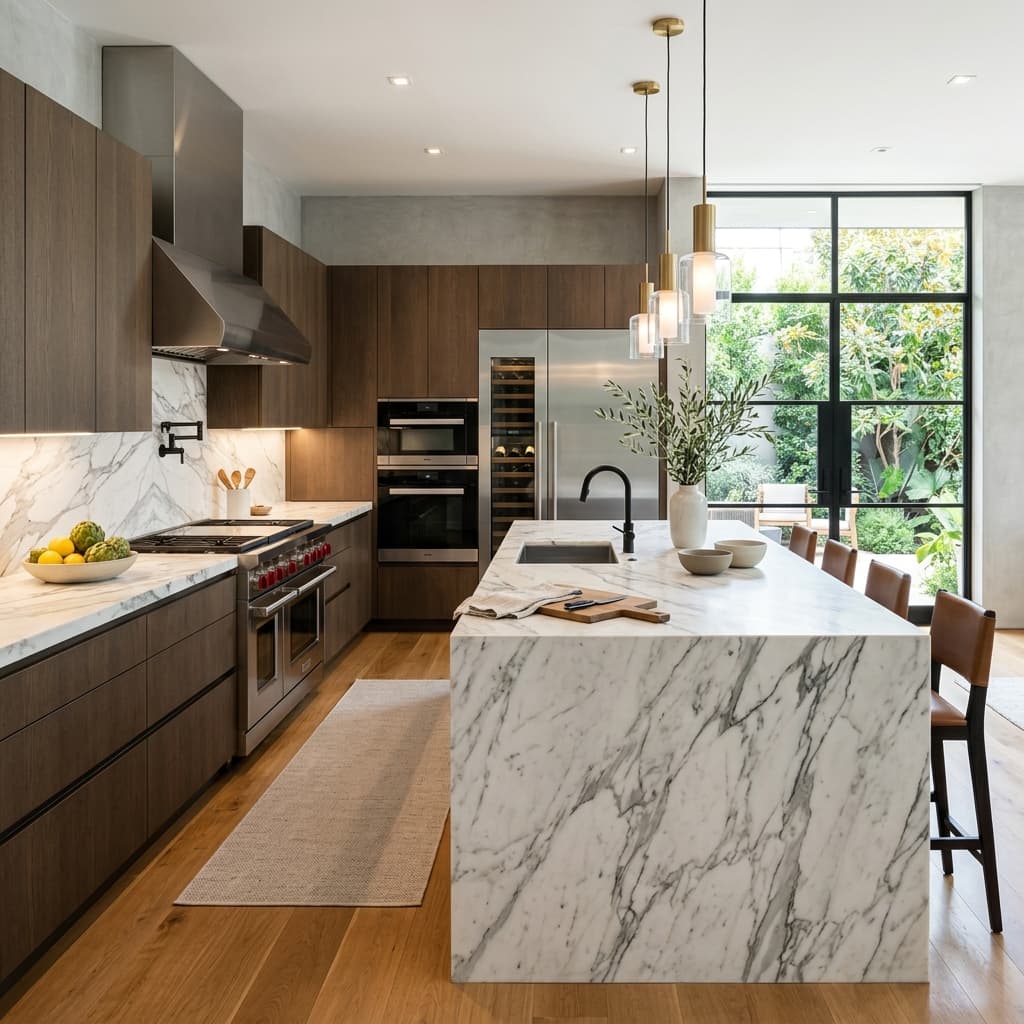
Modernize my kitchen
Shop by Style
Discover collections curated by aesthetic.
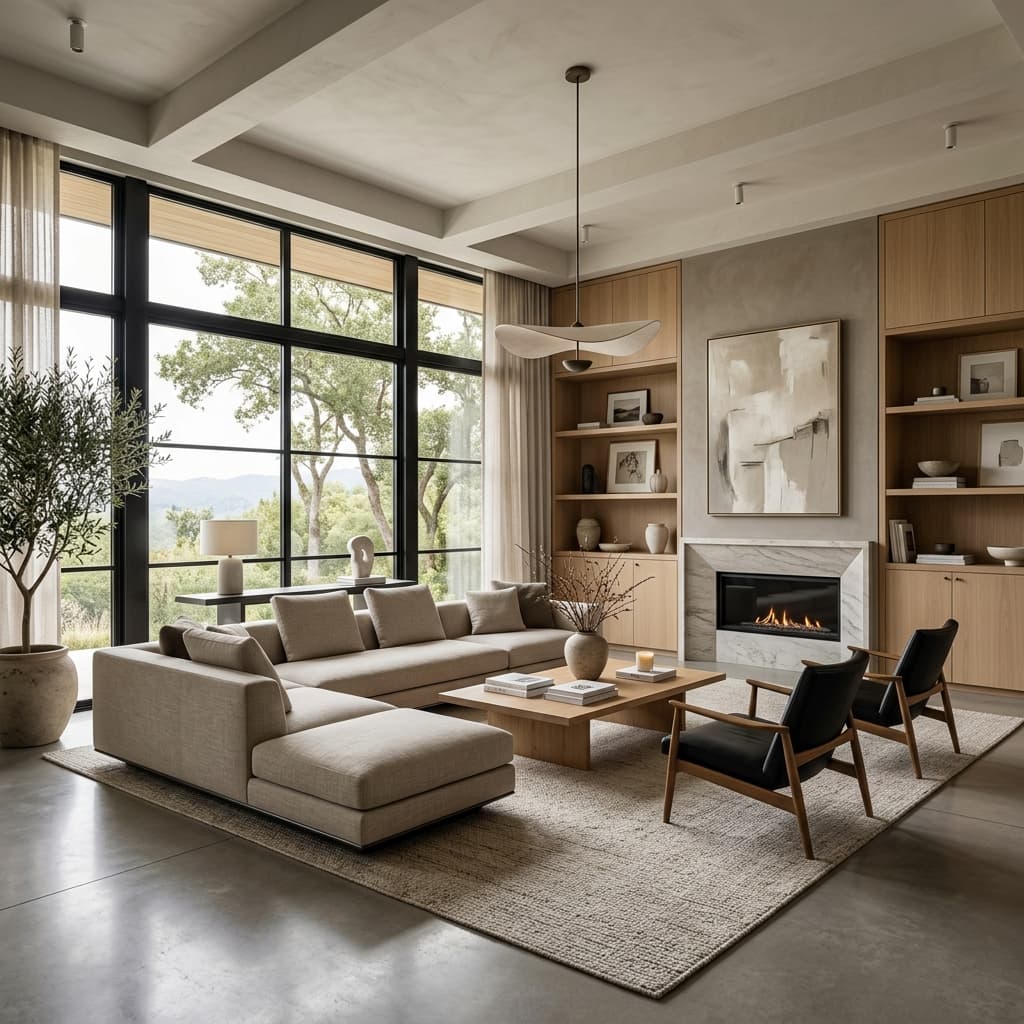
Modern
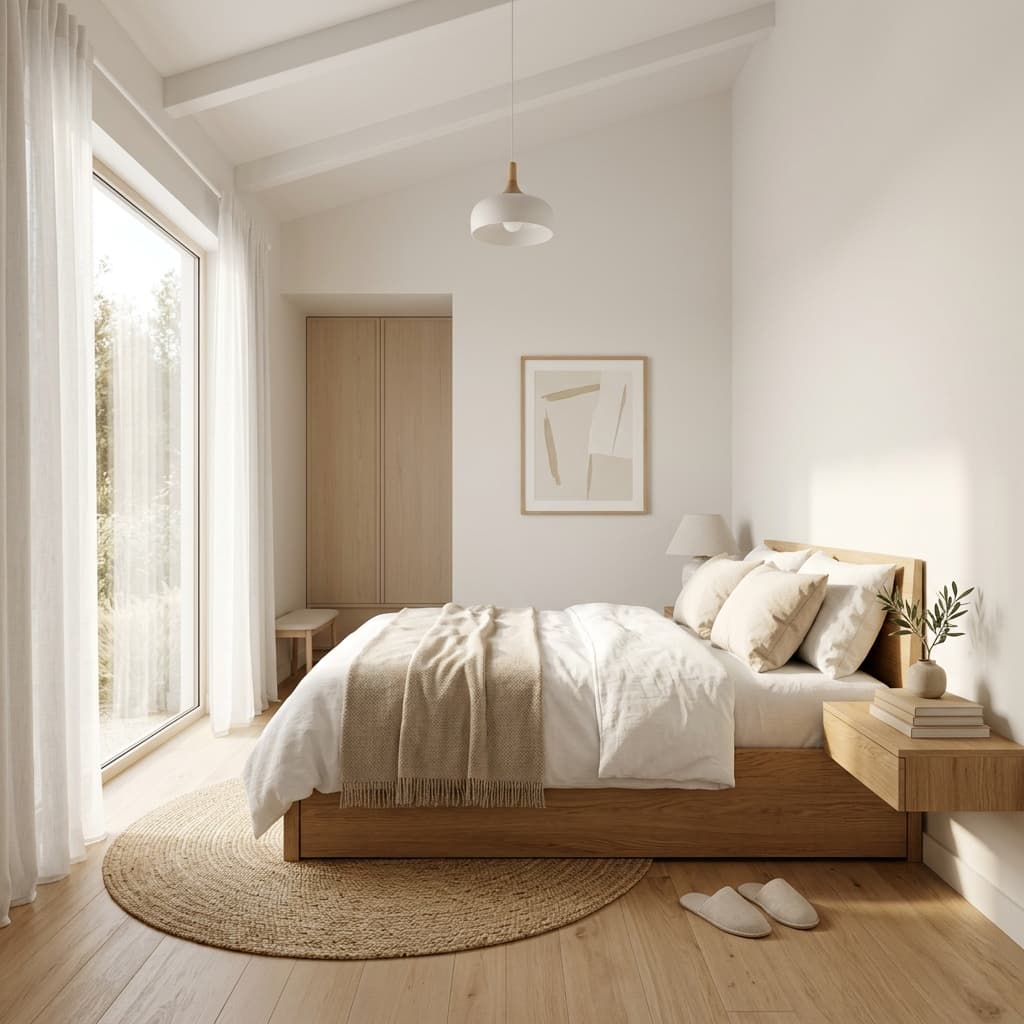
Minimalist
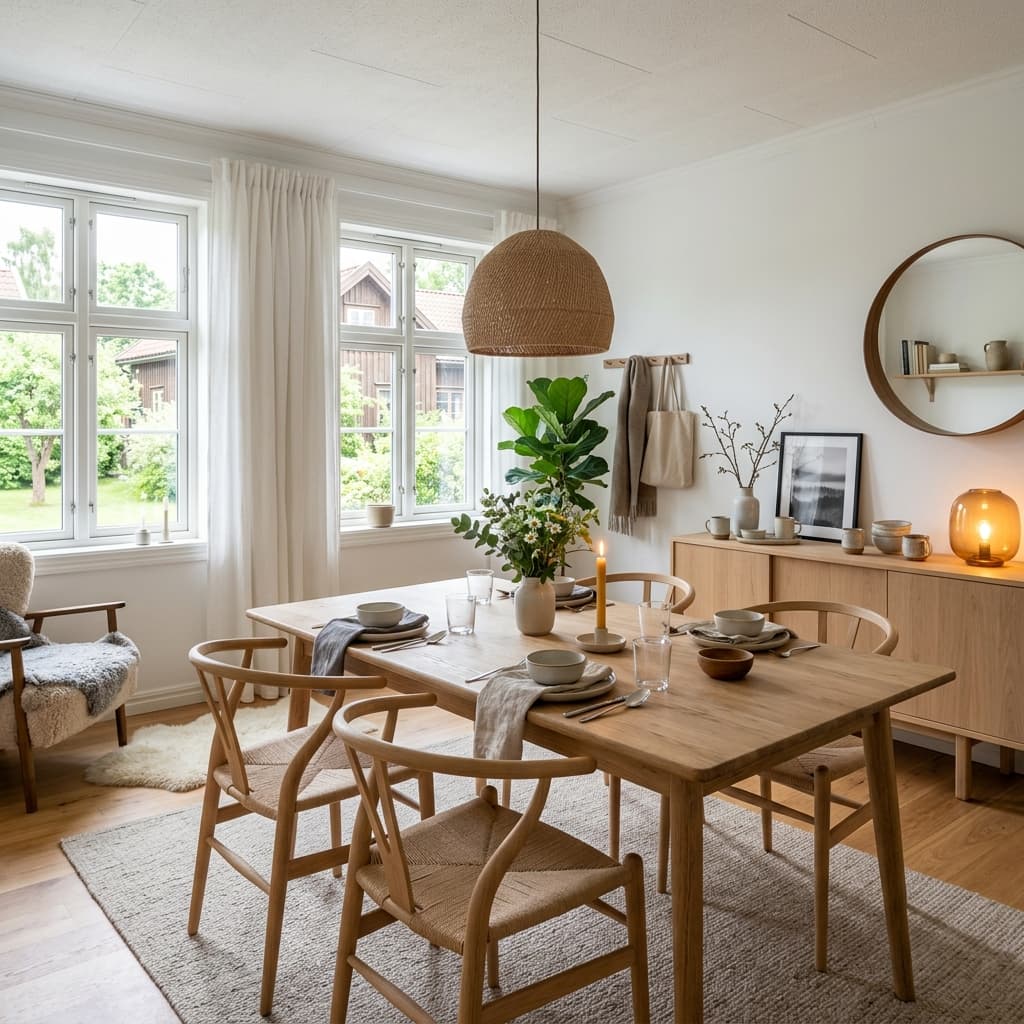
Scandinavian
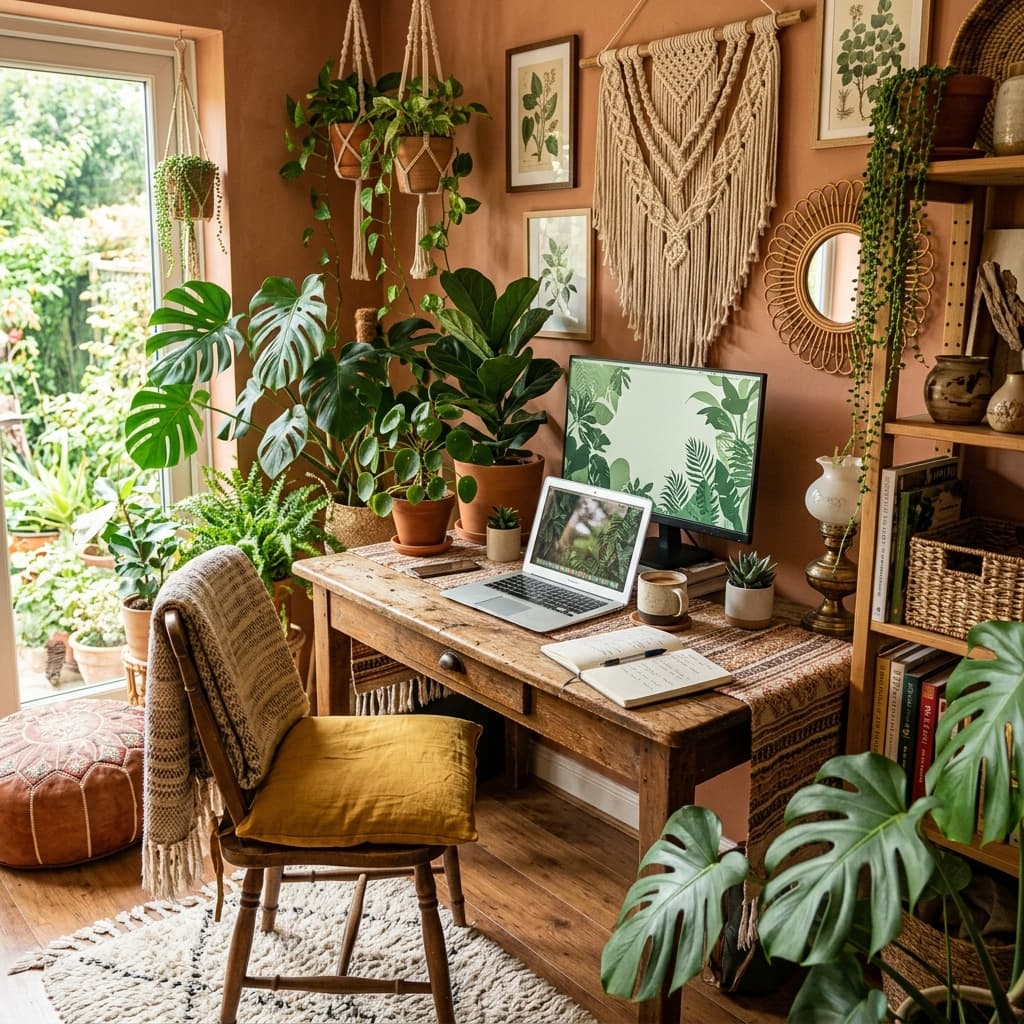
Bohemian
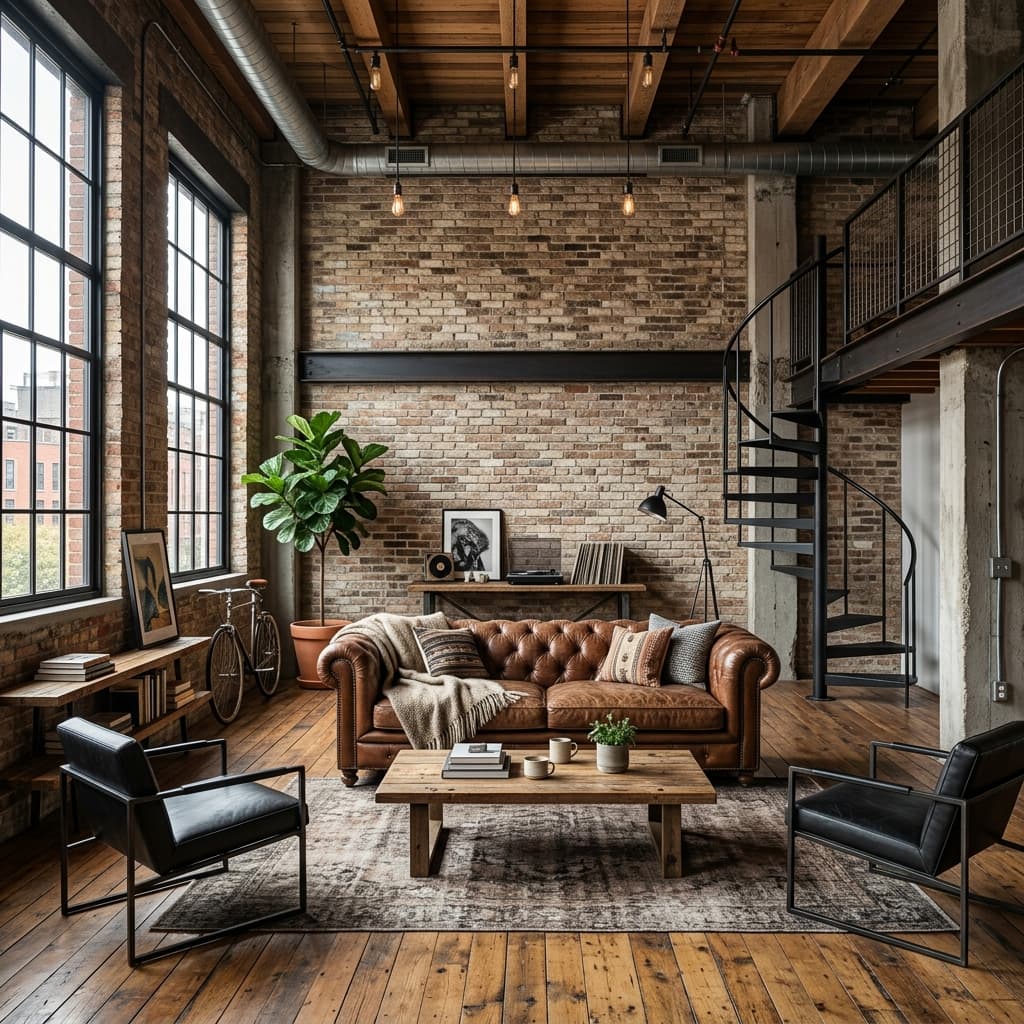
Industrial
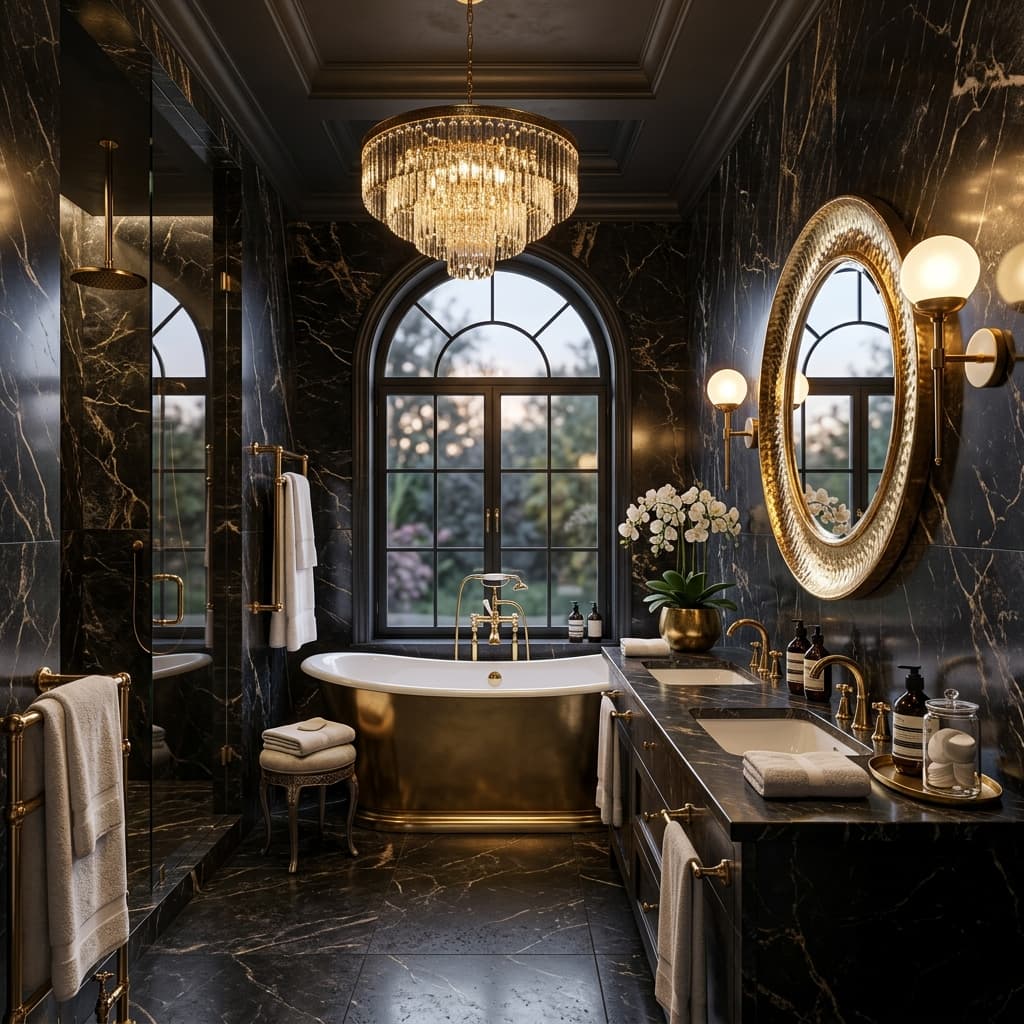
Luxury
The Entire Showroom in Your Pocket
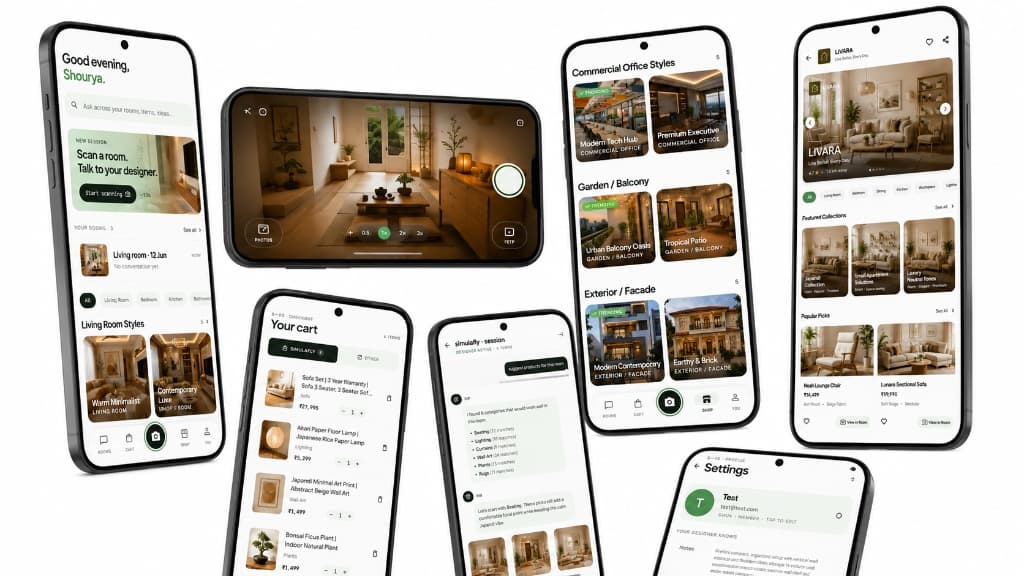
Experience the future of home shopping with the SimulaFly mobile app. Browse, scan, visualize, and checkout - all from one seamless interface.
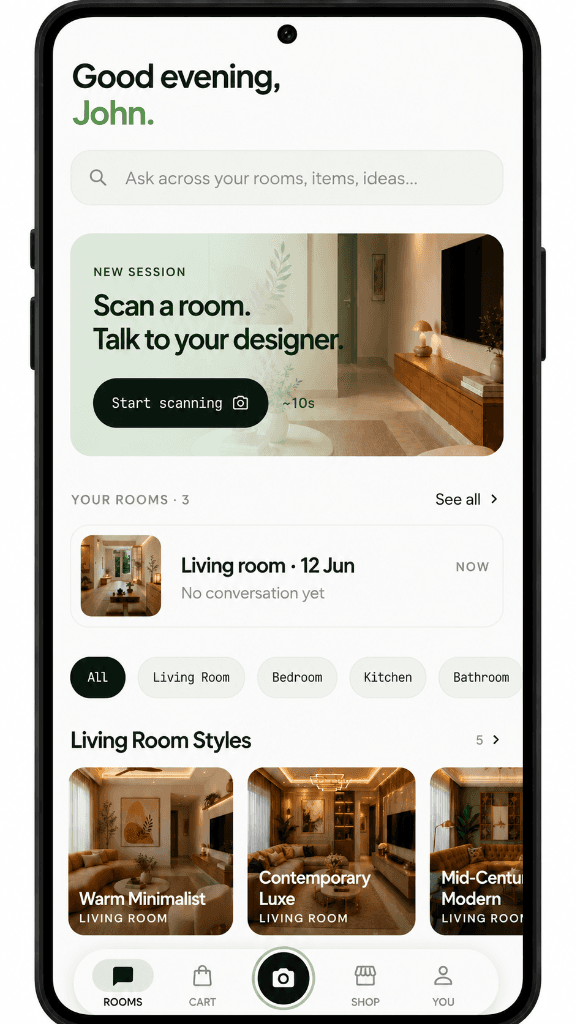
App Home Screen
Your personal design hub. Access saved rooms and continue your sessions instantly.
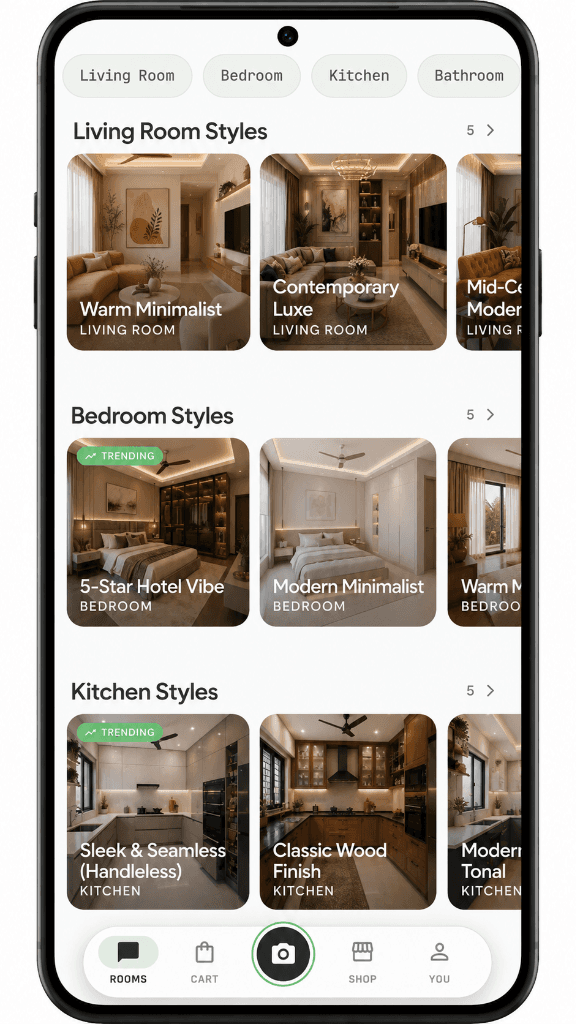
Trending Styles
Explore pre-designed rooms and find inspiration from trending styles.
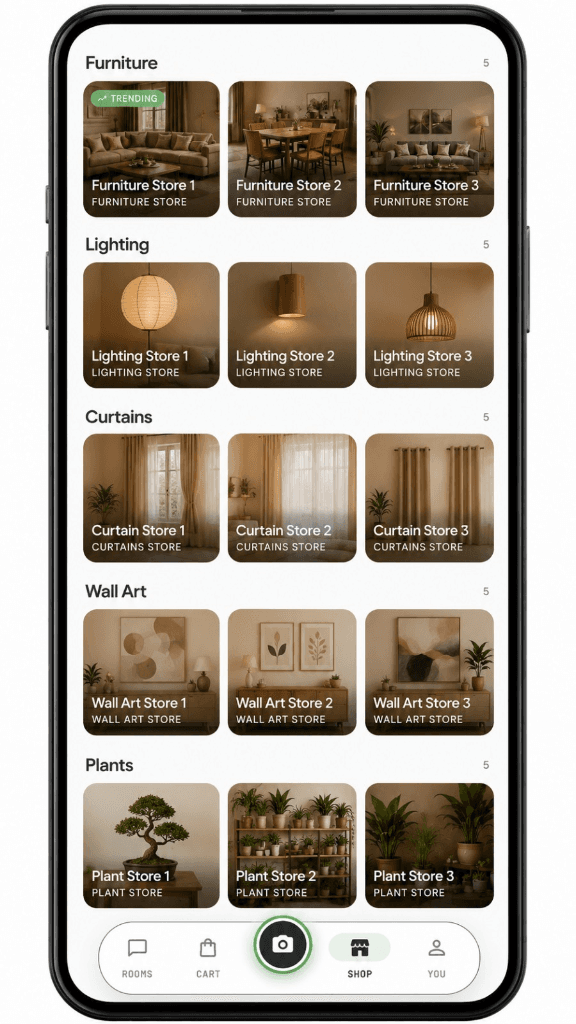
Store Page
Browse comprehensive categories and discover top products in one place.
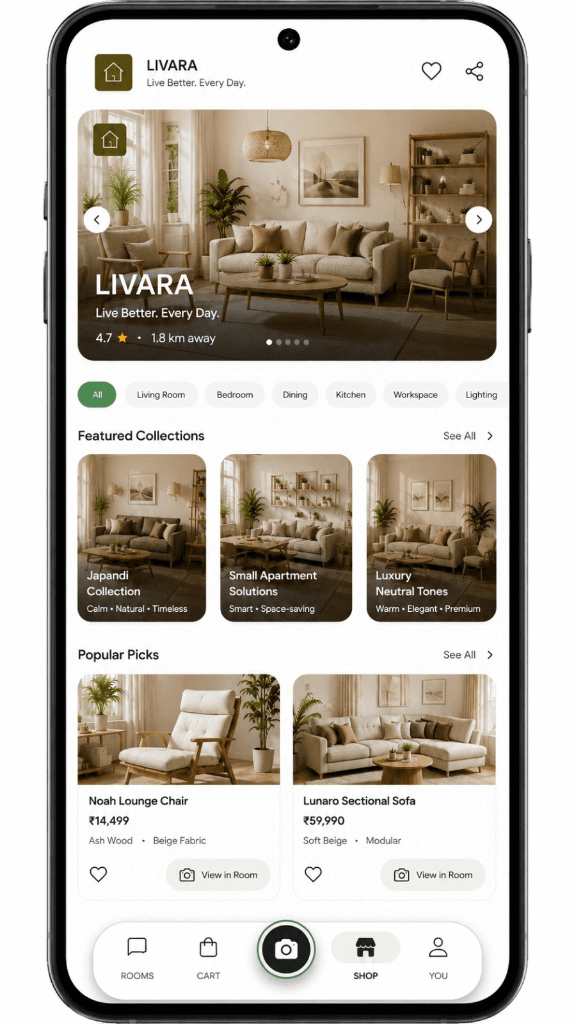
Show Room Page
Explore featured collections and popular picks curated specifically for you.
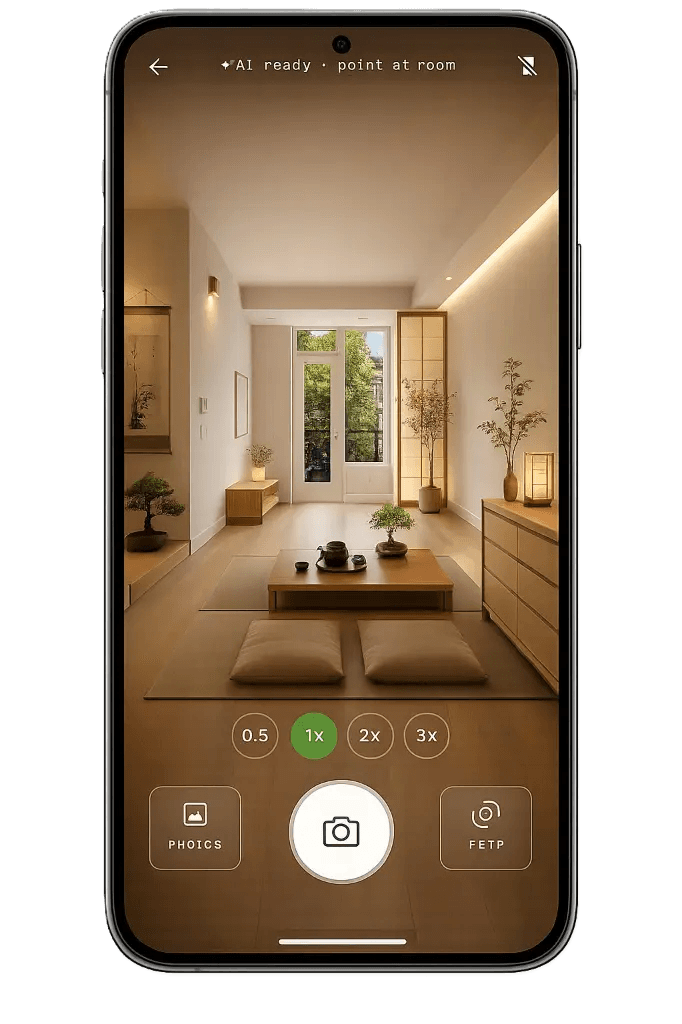
Room Scanner
Point your camera to automatically map any room and get precise measurements.
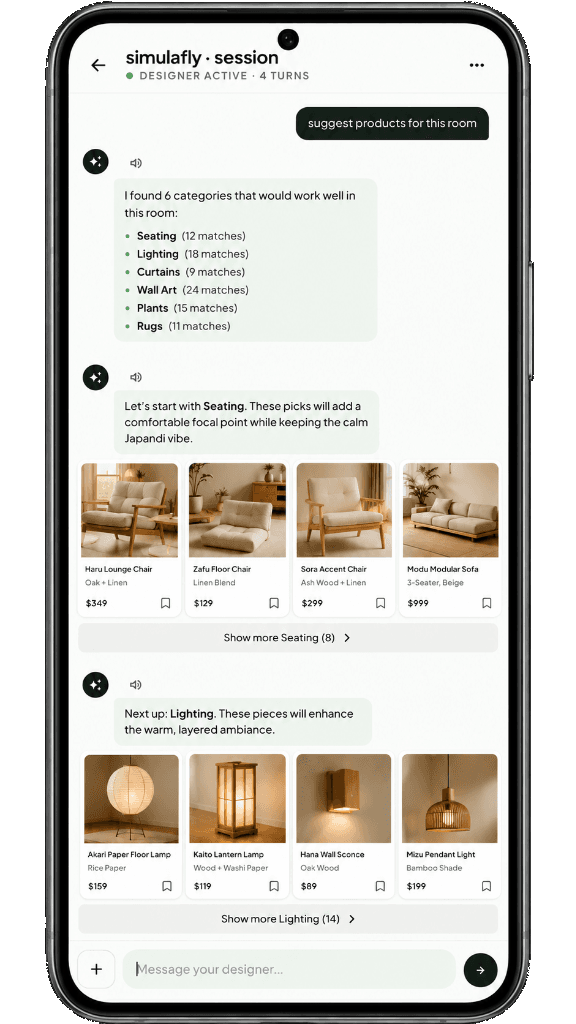
AI Suggestions
Chat with your AI designer for instantly tailored product recommendations.
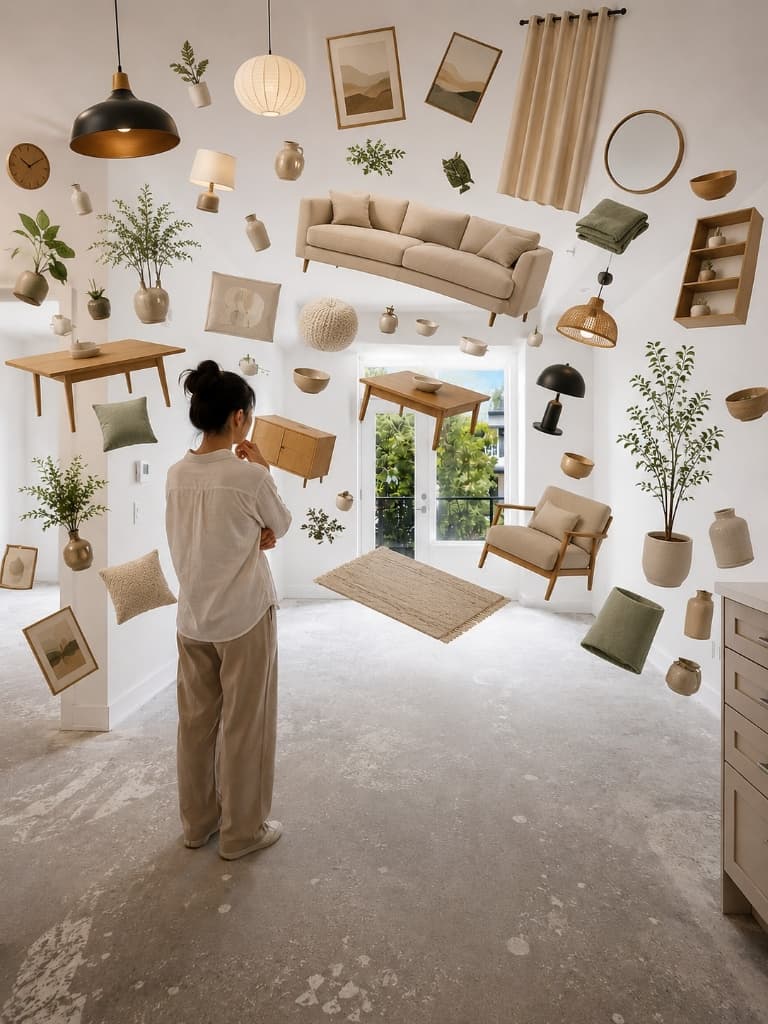
Your Room,
Completely Redesigned.
Step into the future. Watch your physical space transform instantly as our AI matches your unique style to a floating, interactive catalog of real products you can buy today.
One Full Journey
How Sarah bought a rug.
Wants a change
Sarah decides her living room feels empty and outdated.
Wants a change
Sarah decides her living room feels empty and outdated.
Uploads a photo
She snaps a messy photo of her actual room.
Asks her assistant
"What kind of rug goes with a gray sofa?"
Asks her assistant
"What kind of rug goes with a gray sofa?"
Gets ideas
SimulaFly recommends 3 rug styles that match her budget.
Visualizes it
She sees the rugs placed perfectly in her room photo.
Visualizes it
She sees the rugs placed perfectly in her room photo.
Compares options
She compares the vintage rug vs. the modern rug side-by-side.
Finds a store
SimulaFly shows a local store 3 km away has it in stock.
Finds a store
SimulaFly shows a local store 3 km away has it in stock.
Visits & Buys
She visits, feels the fabric, and buys with total confidence.
Ready to design your home?
Join the waitlist today to be among the first to experience SimulaFly.
Try it free